Media is for Email images. SMS Templates do not use images.
How Media fits together
Media is part of the Communication workflow. Media: the reusable image your Practice stores once. Email Template: the Email content where the image is inserted. Broadcast or Automation: the workflow that sends the Email Template to a Patient Cohort. For example:- Your Practice uploads a Letterhead image to Media.
- A Member inserts that image at the top of an Email Template.
- A Broadcast or Automation later sends that Email Template to patients.
Open Media
In the sidebar, under Comms, select Media. The Media page shows active reusable images for your Practice. From here, you can upload a new image, search existing Media, open the archived view, or manage an image from its … menu.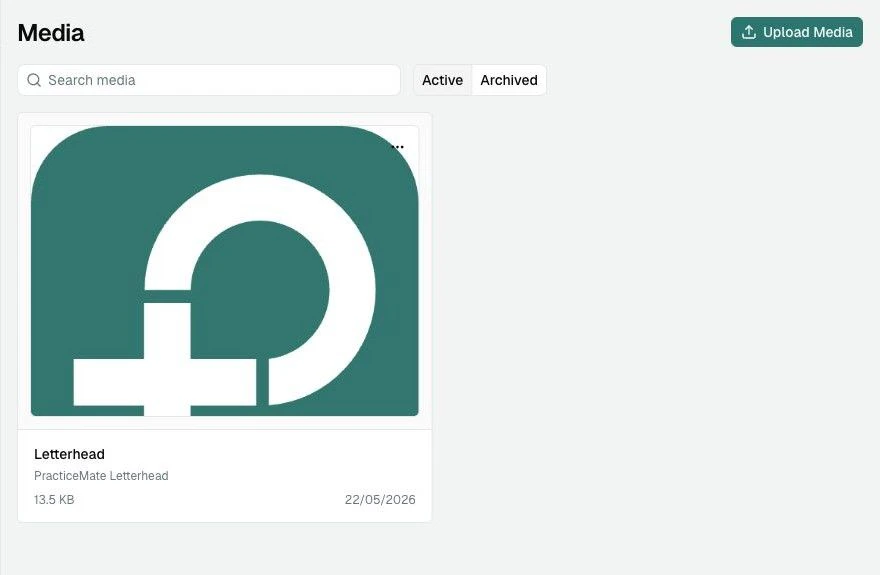
What to store in Media
Media works best for images that are:- reusable across more than one Email Template
- approved for patient-facing Communications
- clear when viewed on a phone
- small enough to load quickly
- helpful to the message, not just decorative
- a practice letterhead image
- an email header image
- a small information graphic prepared by your team
- a reusable footer or banner image
Image details
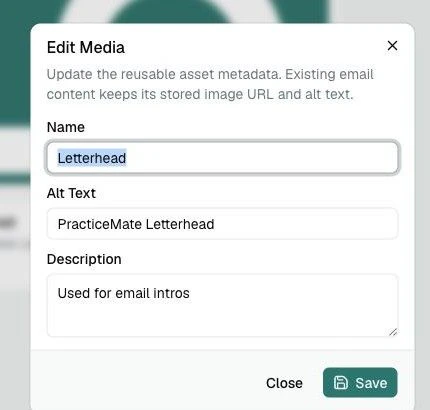
Each Media item has a few details that make it easier to find and safer to use. Name is for your Practice team. Patients do not see it. Use a name like Letterhead or Flu vaccination banner. Alt Text describes the image for people using screen readers, and it can also appear when an image cannot be loaded. Keep it short and useful, such as PracticeMate Letterhead. Description is an optional internal note. It can help your team remember where the image should be used. PracticeMate accepts PNG, JPEG, and WebP images up to 2 MB.Manage Media
Open the … menu on a Media card to copy the image URL, edit its details, or archive it.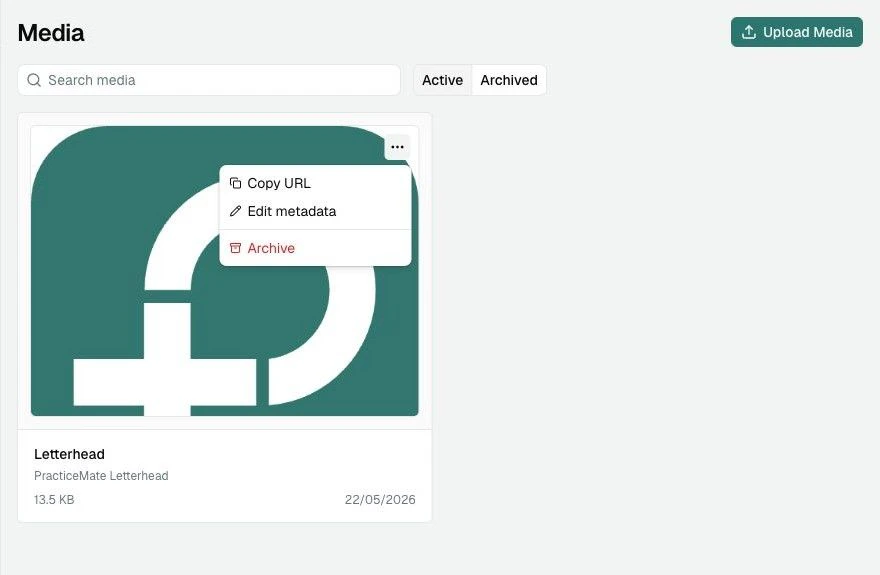
Archive old Media
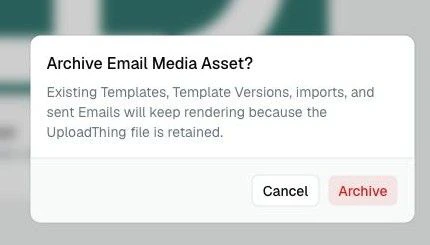
Archive a Media item when your Practice should stop choosing it for new Email work.